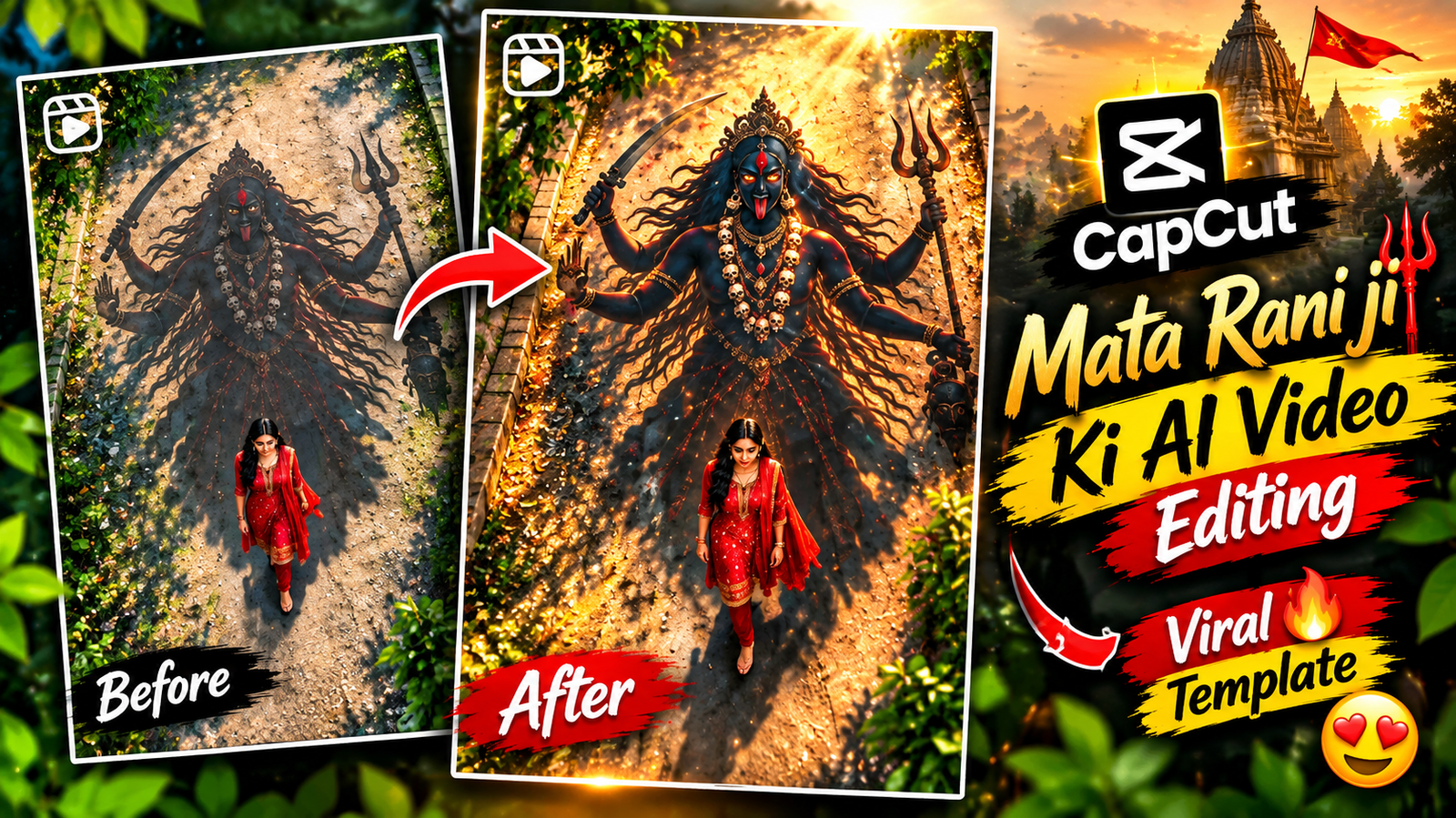
Trending Mata Rani Ji AI Video Editing – Nowadays, this kind of video is becoming very popular on social media, and creating it is quite easy. Videos like this are currently trending a lot on Instagram, and you can create one with the help of a photo. So, in this article, I’ll explain how this type of video is made using an AI tool. The AI tool you choose should work properly so that your video can be created in a good way. I’ll also tell you which AI tool you need to use for this editing and explain everything to you step by step. I’ll share the complete process in detail further in the article.
About Trending Mata Rani Ji AI Video Editing
Friends, in this section, I’m going to explain in detail how you can create this video using your own photo. I’ll also provide you with the prompt that you need to use for making the Mata Rani Ji video. First, you have to copy the prompt given by me and use it for the video generation. Keep one thing in mind: the photo you choose for editing should be clear and of good quality. A clear photo will help you get a better final video in this style. So, select a suitable photo first, copy the given prompt, and then follow the process. I’ll explain the remaining steps further.
Create an Amazing Mata Rani Ji Video Using a Photo
Guys, if you also want to create a video like this using a photo, especially this type of Mata Rani Ji video, then make sure you read this article carefully. You need to follow the information given here properly so that you can create your video without any problem. Everything has been explained step by step in this article, so go through each part carefully and follow the process to make your video.
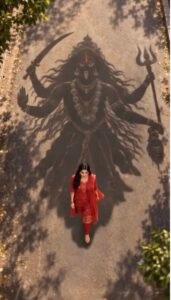
Prompt Copy 👇🏻
TEXT REVEAL – FINAL MOMENT:
As the woman continues walking, the camera slowly pulls back to reveal more of Maa Kali’s enormous shadow.
At the final moment, introduce the exact Hindi text:
माँ आ रही है”
The text appears dramatically over the ground in elegant, glowing golden Devanagari lettering, with a subtle divine golden shimmer and soft light rays.
The text fades in smoothly as the music reaches its emotional climax.
Keep the text perfectly spelled, clear, readable, and centered in the upper-middle portion of the frame without covering the woman or the most recognizable part of Maa Kali’s shadow.
AUDIO & ATMOSPHERE:
Powerful devotional cinematic background music with deep temple bells, a subtle damru rhythm, atmospheric wind, and a rising spiritual soundscape. Build anticipation toward the final text reveal.
How To Ganrate Your Own Photo Using A Prompt?
Friends, if you want to transform your photo into a Holi festival style, first you will need a suitable picture that you can easily take with your phone. After that, you will need a proper prompt that can turn your normal photo into a colorful Holi-themed image. You need both the photo and the prompt to create this type of result. Once you have these ready, your photo can be transformed into a completely different and colorful Holi look. After completing these steps, you can move ahead with the editing process.
- First, you need to visit my website.
- First, you need to visit my website right.
- Simply click on that first post.
- After that, scroll down a little.
- There, you’ll see a lot of front pages.
You need to copy one of the promos. - And scroll down a little, you’ll find the option to generate your
- Simply click on that option. As soon as you click,
- Upload your photo there and paste it into the prompt
- And then you’ll have to wait a little longer. Your photo will then be ready.
- You simply need to click on the photo and export it from there.
Conclusion
So friends, if you also want to create photos using trending prompts like this, then you can find many such prompts on my website. I regularly share new and useful prompts there, so you can get different working prompts for your photo editing. Make sure to visit the website regularly to find the latest trending prompts and try them out for your own photos.