Sad Bhojpuri CapCut Template – Friends, a new editing style is trending on social media, and people are creating and sharing their edited reels. These days, edited videos are popular in almost every category, whether it’s attitude, sad songs, or other content. A Bhojpuri sad-song edit is also gaining attention, and you may have seen this style on my Instagram. In this article, I’ll explain how to create this trending Bhojpuri sad video and complete the editing process.
About The Sad Bhojpuri CapCut Template?
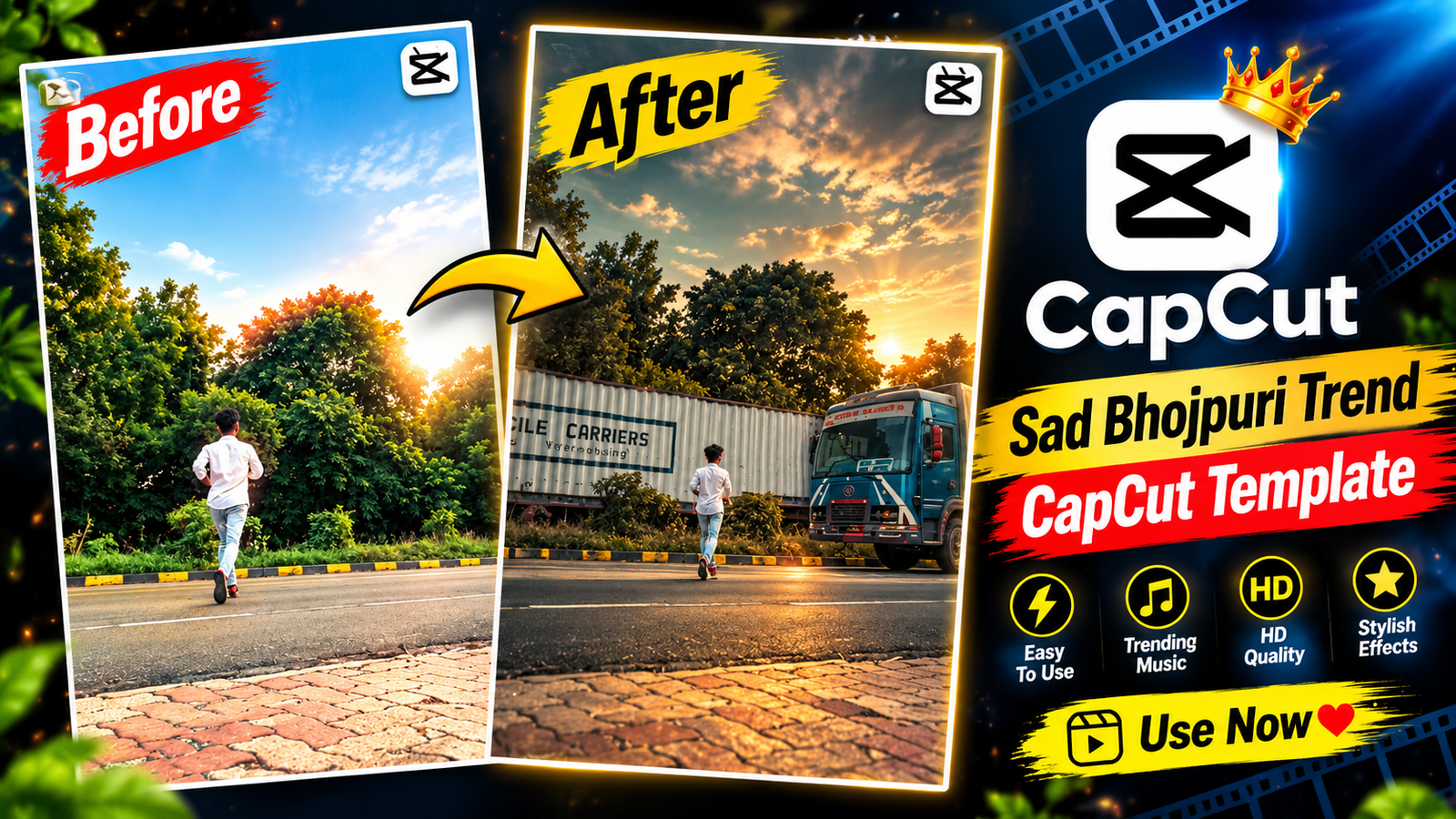
Friends, for this video edit, we are going to use a pre-designed CapCut template, so let’s first take a look at what has been added to it. This template will be used through CapCut, and the necessary effects and editing features are already included, so your selected clips can be edited automatically. The template has an emotional style, with slow-motion effects used to give the video a sad feel. If you check the preview, the video starts with a person slowly running on the road. As he reaches near the middle of the road, a large truck comes toward him. This is where the main editing effect takes place. As the truck gets closer, the video stops at that particular moment and a black-and-white effect appears. Along with this, a shaking effect is also added, including effects such as flash vibration and golden glow. By using this template, you can create your own video in the same emotional editing style. You can also watch the complete template preview and check all the effects directly in the CapCut application.
How To Get Your Clips Ready for Editing?
Friends, to make a video like this, you should have some emotional footage in which you are showing a sad or upset expression. In case you don’t have any suitable videos, you can shoot them yourself before starting the editing. For the first clip, record yourself walking slowly while giving a serious and emotional look. You can also follow the popular style by filming yourself walking alone along a deserted street. Next, capture another short shot where you can see a vehicle moving along that same road. After both clips have been recorded, you can put them into the template and complete your video edit easily. You’ll find the template link below the image, placed under the “Check Template” button. Tap the button to open the template and see how the edit works.

How To Use Sad Bhojpuri Capcut Template?
Friends, creating an edit through a CapCut template is a simple process that anyone can follow. To begin, make sure the CapCut app is installed on your smartphone. Once you launch the application, open the “Discover” section where you can browse a wide range of ready-made templates available for free. Next, select the “Search” option and enter the name of the template you need. After searching, the required template will appear on the screen, and you can select it to start your edit. In case you are unable to locate the template through the search option, there is another method you can try.
- So, first of all, you need to visit my website.
- You need to click on the post above, and then the post will open for you.
- Then, friend, you need to come down a little bit.
- You will see the CapCut template; you need to click on it.
- The template will open in front of you.
- Here, you need to add your video.
- First of all, you need to create the video based on the slip details.
- You need to click the ‘Next’ button on the side.
- Once your video is ready, you just need to export it from the top.
Conclusion
Friends, by now you must have understood the complete editing process. Just follow the steps mentioned above and create your video easily without spending much time or effort. If you have any questions, feel free to comment below. For more trending CapCut templates and editing ideas, keep visiting our website.