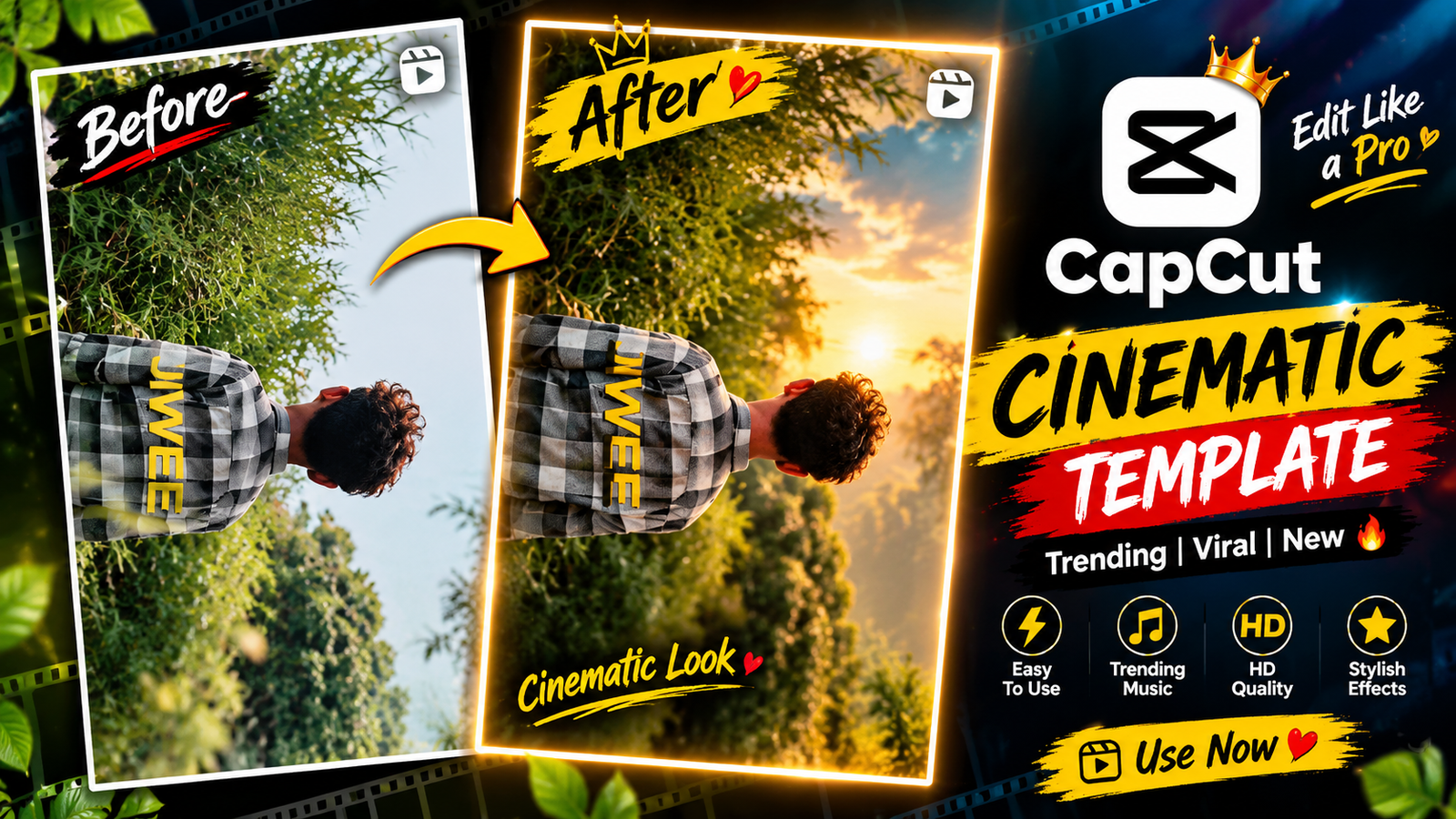
Cinematic Lyrics Video CapCut Template – Friends, these days, new video editing trends are becoming popular very quickly on social media, and every day we get to see some new editing style going viral. Hindi song edits, lyrics videos, and sad edits are especially getting a lot of attention these days. Recently, a Hindi song video with cinematic effects and lyrics has also started trending, and many people are using this style to make their videos look more attractive. So, friends, if you also want to create a Hindi lyrics video in this cinematic style, then today I’ll show you how you can make a similar edit. The process is quite simple and you can create the video without doing all the editing manually. So, if you want to know how this editing works, read the complete article and follow the steps given below.
About Cinematic Lyrics Video CapCut Template?
Friends, we are going to make this video with the help of a CapCut template. First, let’s take a quick look at what kind of editing you will get in this template. At the beginning, a person is shown walking with their arms open while looking towards the sky. The song lyrics appear on the screen in a stylish text, and the clip is played in slow motion. After that, the scene changes with a smooth transition, where the person can again be seen enjoying the music while the lyrics continue along with the song. The edit also includes zoom, flash, and slow-motion effects at different points. Friends, once you add your own clip to the template, all these effects and transitions will be applied automatically, and your video will be ready in the same editing style.
How to Prepare Your Clips for This Editing?
Friends, if you want to give your lyric video a cinematic feel, you’ll need to prepare your clips before starting the edit. To get a similar result from the template, it’s important to record your videos in the right way. First, hold your camera from a slightly low position and keep it facing upward toward the sky. Try to keep the sky in the background while shooting your clips. Next, record around 4–5 different clips of yourself with your arms spread out, enjoying the music and trying different poses. Shoot the clips in a way that matches the style shown in the template. Once you’ve recorded everything, you can simply add those clips to the template and create your video. The template link is available below the “Check Template” button. Before you use it, make sure to go through the “Using” section once for the complete steps.

How To Use Cinematic Lyrics Video Capcut Template
Friends, if you want to make an edit with the help of a CapCut template, you can do it very easily. To begin, download and install the CapCut app on your mobile. Once the app is open, head to the “Discover” section. You will find a variety of free templates available here. Now, tap on “Search” and enter the name of the template you want to use. The template should appear in the search results. Simply select it and start using it. In case you don’t see the template there, don’t worry, I’ll share another method with you.
- So, first of all, you need to visit my website.
- You need to click on the post above, and then the post will open for you.
- Then, friend, you need to come down a little bit.
- You will see the CapCut template; you need to click on it.
- The template will open in front of you.
- Here, you need to add your video.
- First of all, you need to create the video based on the slip details.
- You need to click the ‘Next’ button on the side.
- Once your video is ready, you just need to export it from the top.
Conclusion
So friends, you can easily create this Hindi song video using the CapCut template. We have explained the complete process in this article. For more trending templates and editing ideas, visit our website. If you need any help, feel free to contact us.